
Features
Salon scheduling and appointment software: what it does
Every area of the product, shown on real captures of version 1.0.0 with the demo salon, Larkspur Salon.
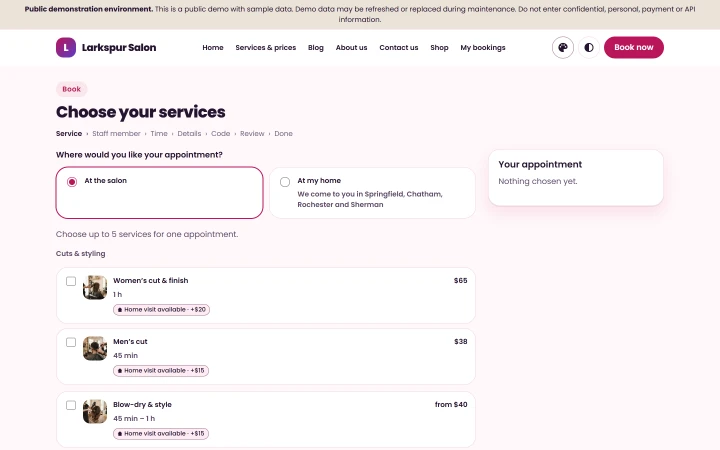
Salon appointment software: online booking
- Clients choose their services, a stylist and an available time, at the salon or, where you offer it, at home.
- Every confirmation shows the booking reference, the time in the salon’s time zone, the staff member, the total, the deposit and the balance, the cancellation deadline, an add-to-calendar file and directions.
- The price a client sees when booking is the price on the confirmation, in every message and at the front desk.
- Dates are written the same unambiguous way on the website, in the app and in e-mails.
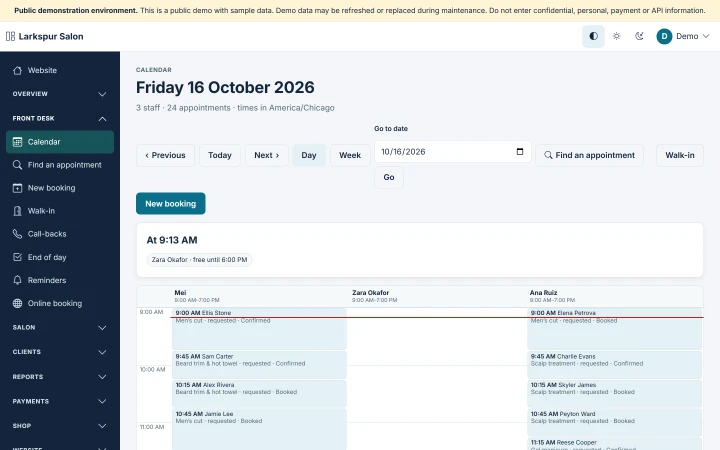
Salon scheduling software: the front desk
- A staff member is never double-booked — whether the booking comes from your website, the booking widget, the app, the front desk or the API, even when two requests arrive at the same moment.
- Desk and phone bookings, walk-ins, call-backs and the end of the day, by day or by week.
- Clients never see your staff members’ phone numbers or e-mail addresses, and each person on your team sees only what their role allows.
- Bookings, deadlines and reminders stay correct across time zones and daylight-saving changes.
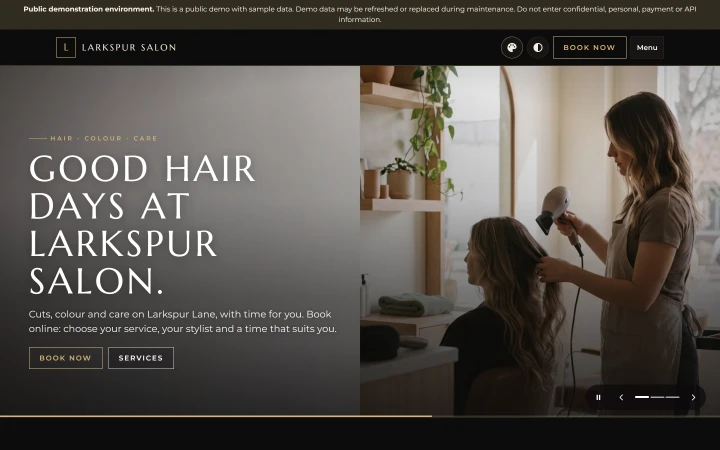
Your own salon website
- Your own branded website with online booking, in three themes — Linen, Onyx and Bloom — each in Light and Dark.
- Your logo, your pictures, your pages, your services and prices, your team.
- Designed to meet WCAG 2.2 AA.
Deposits and payments
- Ask for a deposit on the services you choose, collected online through PayPal, Stripe or Razorpay on the salon’s own accounts; the balance is paid at the salon.
- Choose any currency your payment providers accept — USD is preselected. Checkout only ever offers a payment provider that accepts your currency.
- No country’s taxes are built in. If you charge tax, you add your own rate.
- OsDot takes no commission on your bookings and adds no markup to your messages: payments and text messages go through your own provider accounts.
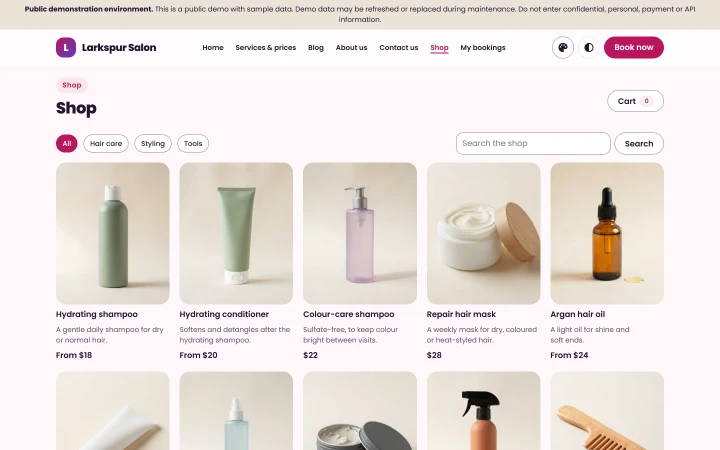
The shop
- Sell your salon’s own products on your website and in your app: collected at the salon, delivered locally or shipped at your own rates, with stock, discounts and returns.
Clients, messages and reports
- Client records built from their visits and orders.
- Messages say only what actually happened, and when an appointment is cancelled the product always sends the client a cancellation notice (delivery depends on your e-mail provider and the network).
- Reminders go by e-mail. The product sends each reminder at most once (delivery depends on your e-mail provider and the network).
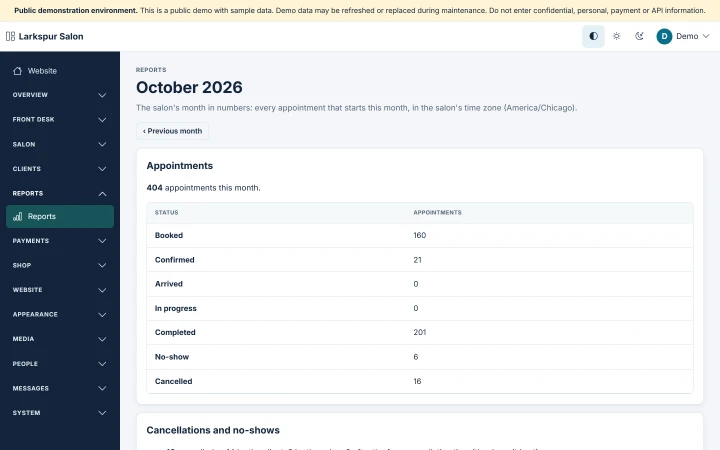
- Reports for your salon in the administration area.
The customer app
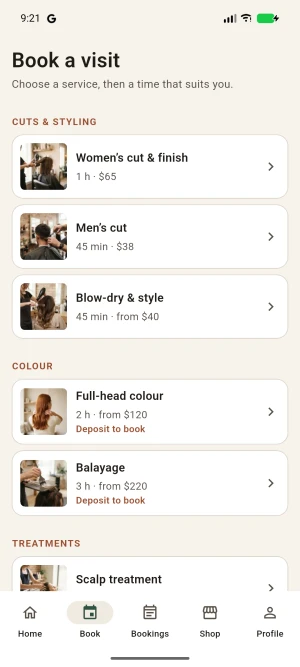
- Every edition includes the Flutter source of the customer app for Android and iOS.
- The Android app is build-tested; iOS source is included for you to build.
- It works with your website — the same services, times, prices, bookings, shop and accounts.
Install and run
- Installed with a browser installer that checks your server before it installs anything.
- Bought once, installed on hosting you choose: shared hosting, cloud hosting or a VPS that meets the requirements.
- Your data stays on your own hosting; OsDot does not host salons.
- Every edition includes the source code; the customer app’s Flutter source for Android and iOS is included too.